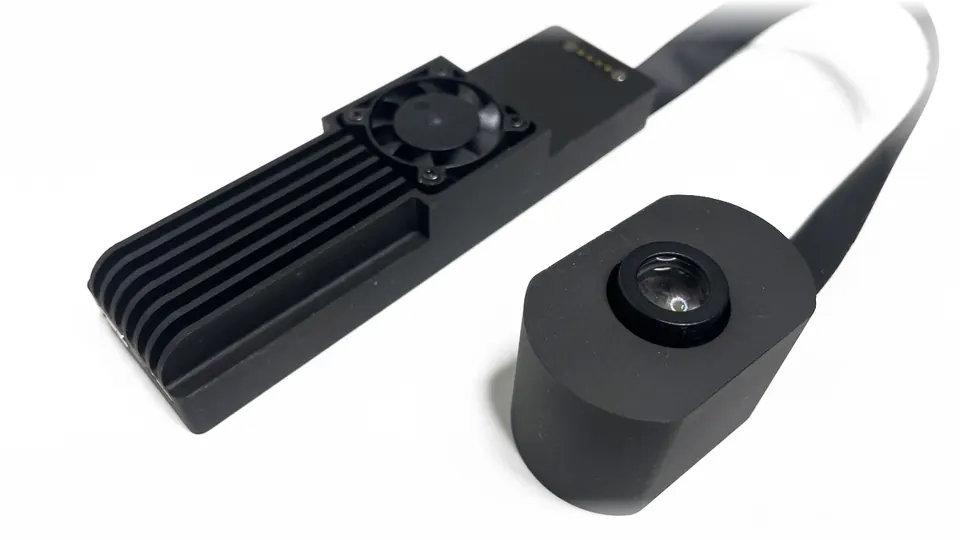
1 · Wireless.
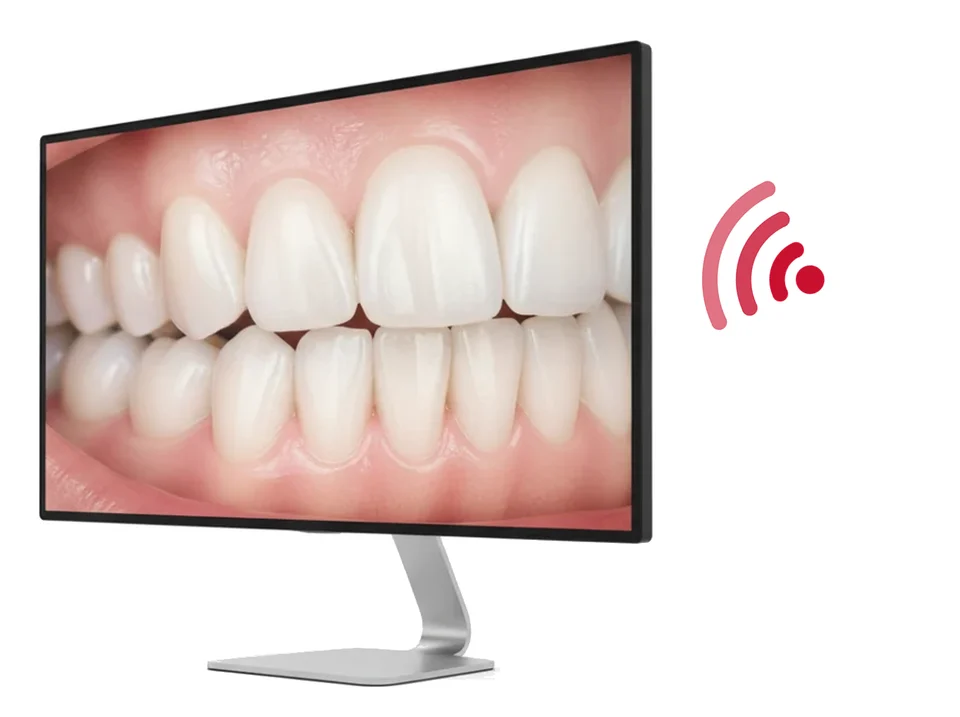
With OXO Wireless HDMI, your team sees on screen what you see, in Full HD.
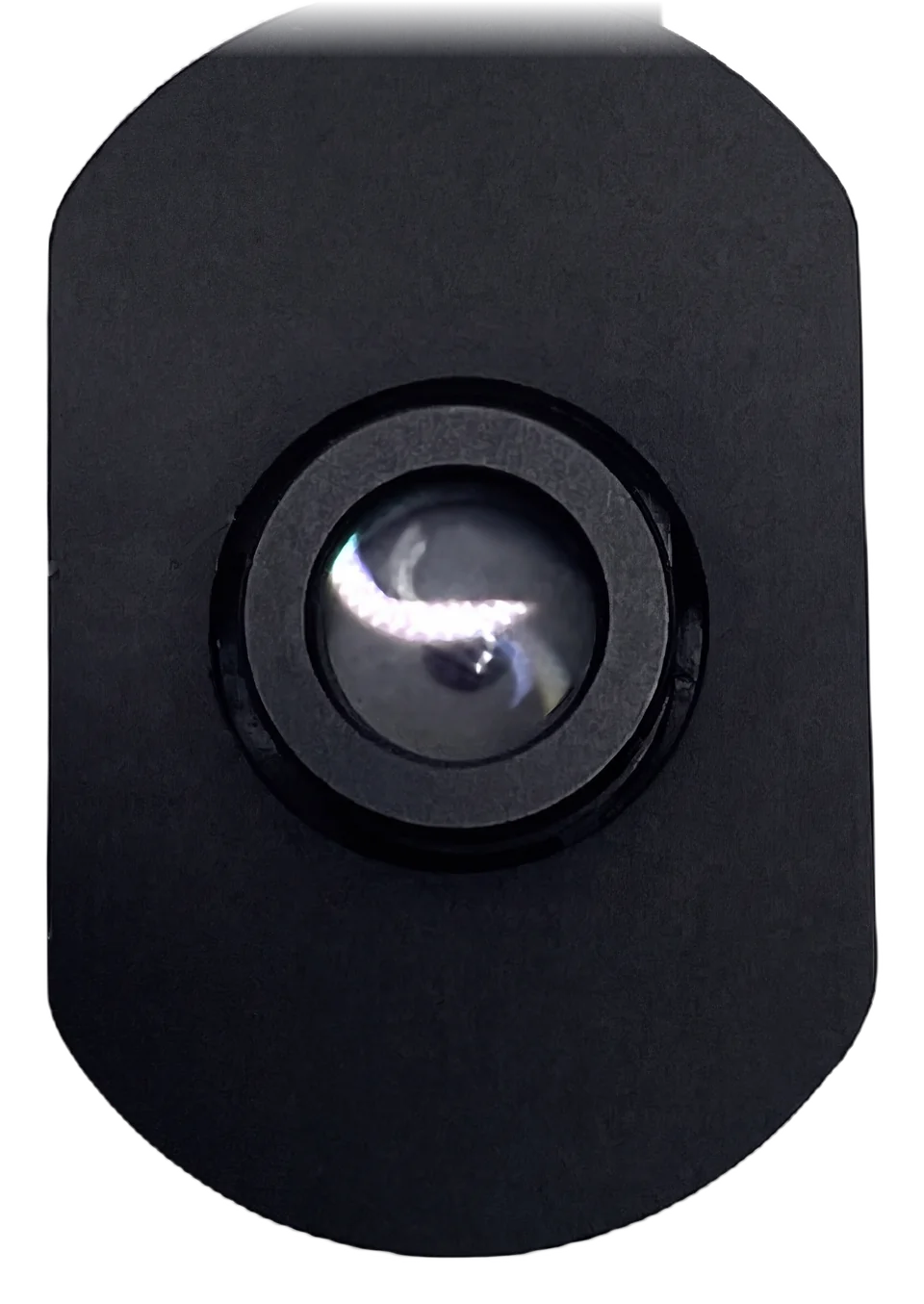
All you need is what's already in your practice.
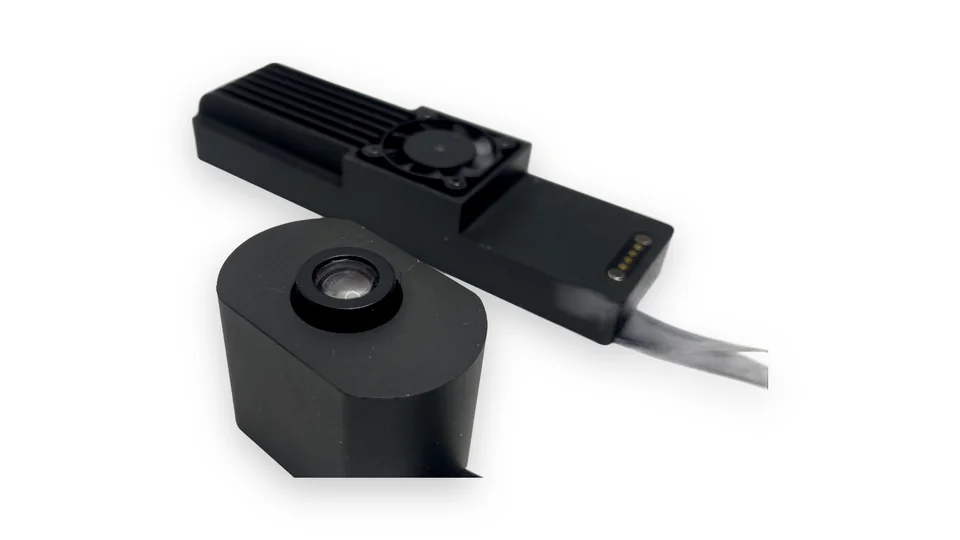
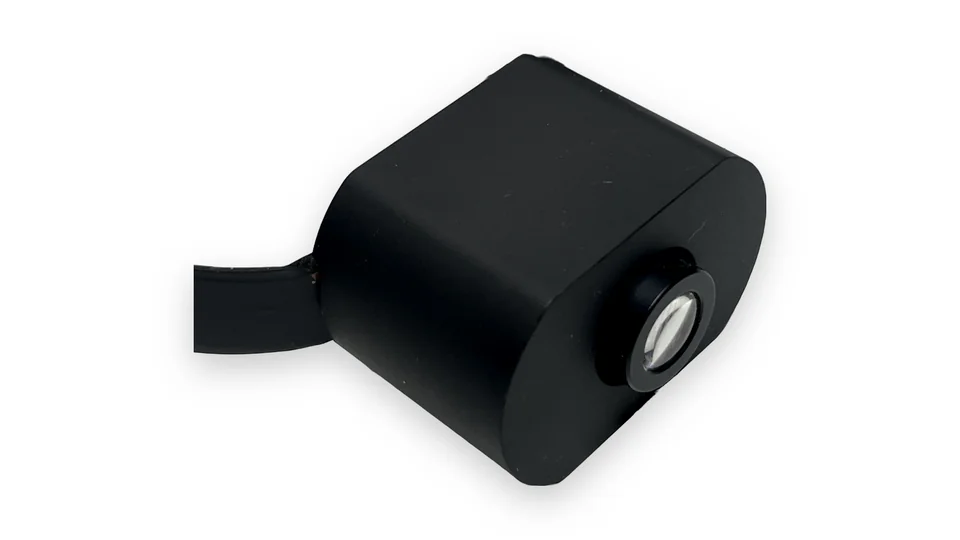
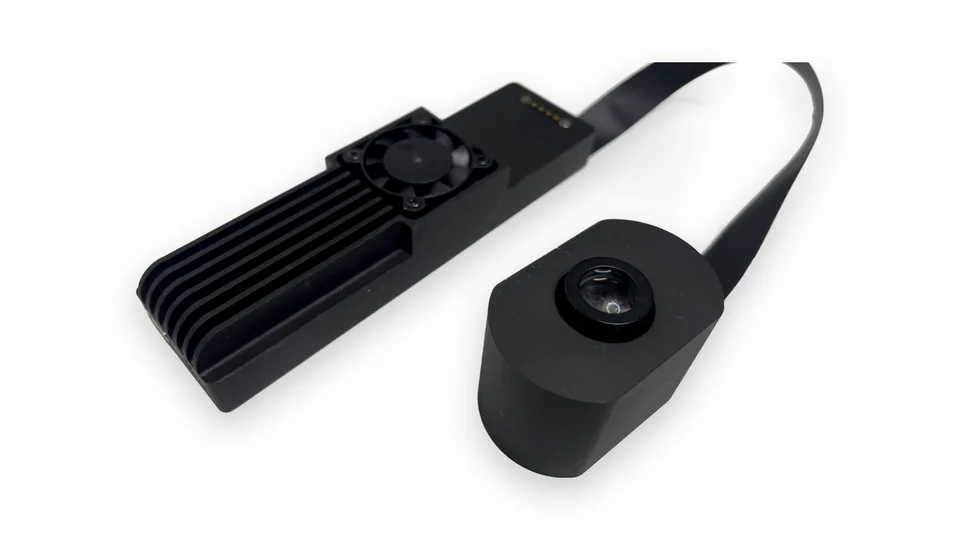
The head goes on your lamp's housing and the body sits underneath. Your lamp is still your lamp.
Magnets hold it in place in seconds, and it stays steady while you work.
A mount made for your lamp.
Record to the card and show it on the screen you already have.
With OXO Wireless HDMI, your team sees on screen what you see, in Full HD.
Video and photos go to a microSD card.
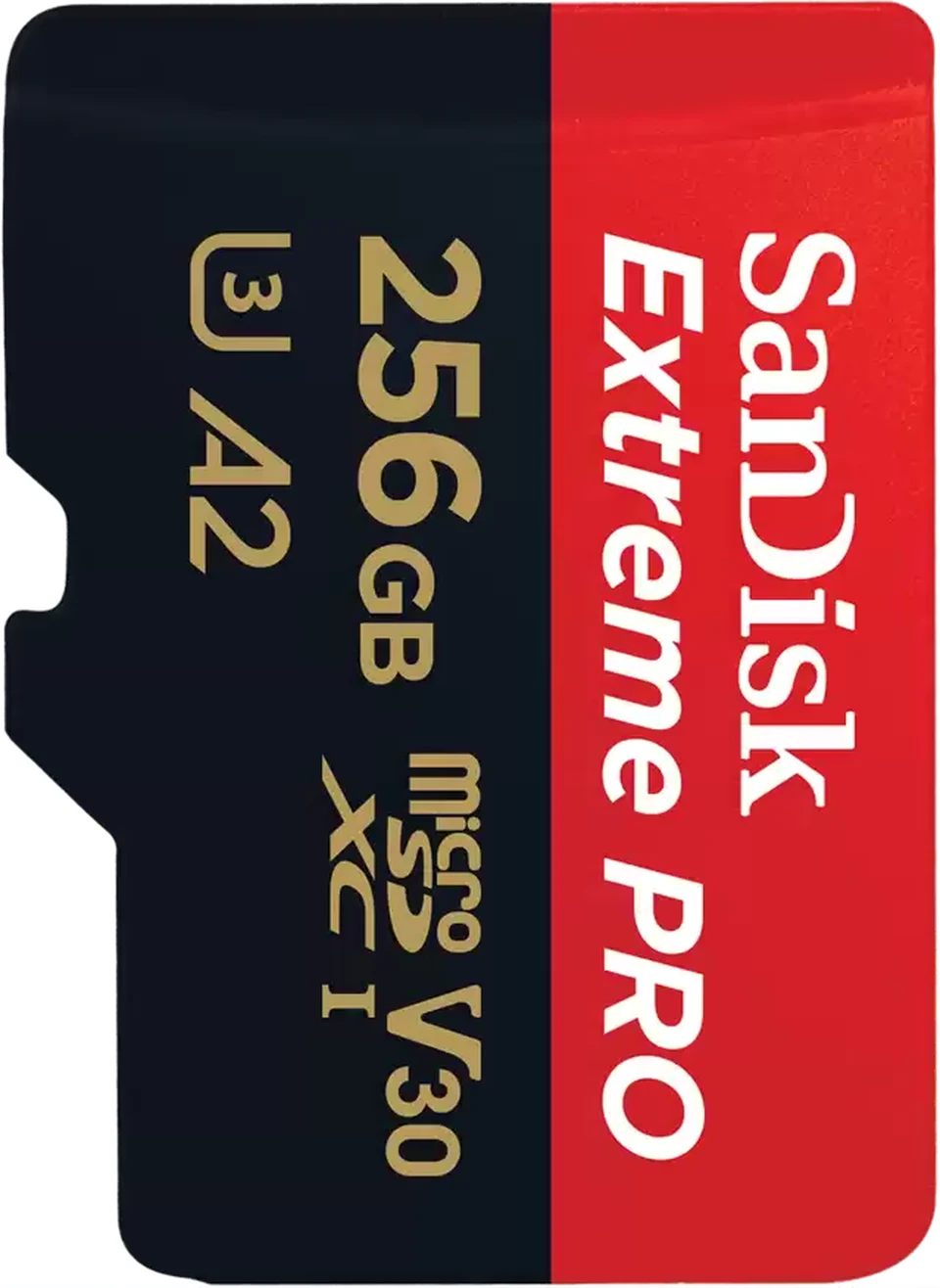
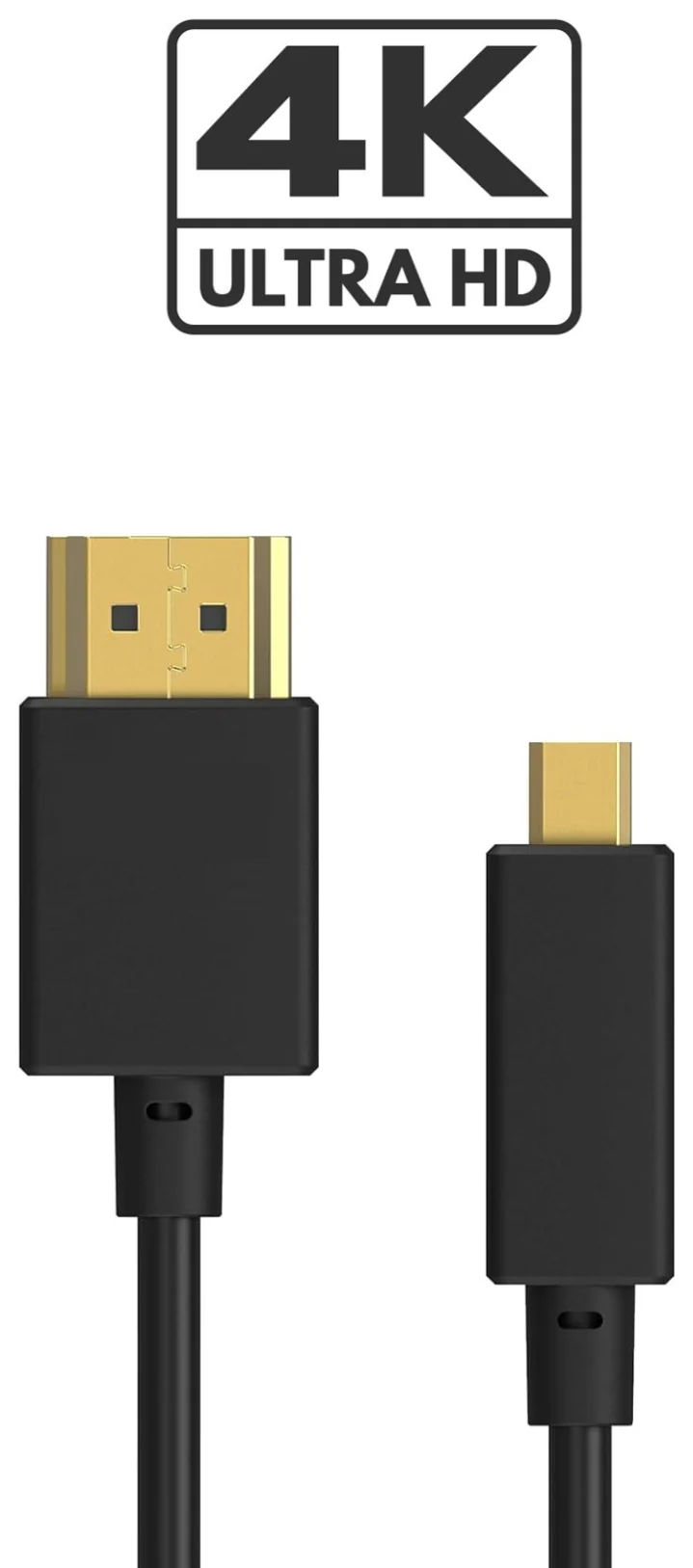
Straight to your TV or monitor, in 4K at 30 frames per second.
1 of 3
 Your lamp
Lamp.
Your lamp carries the camera.
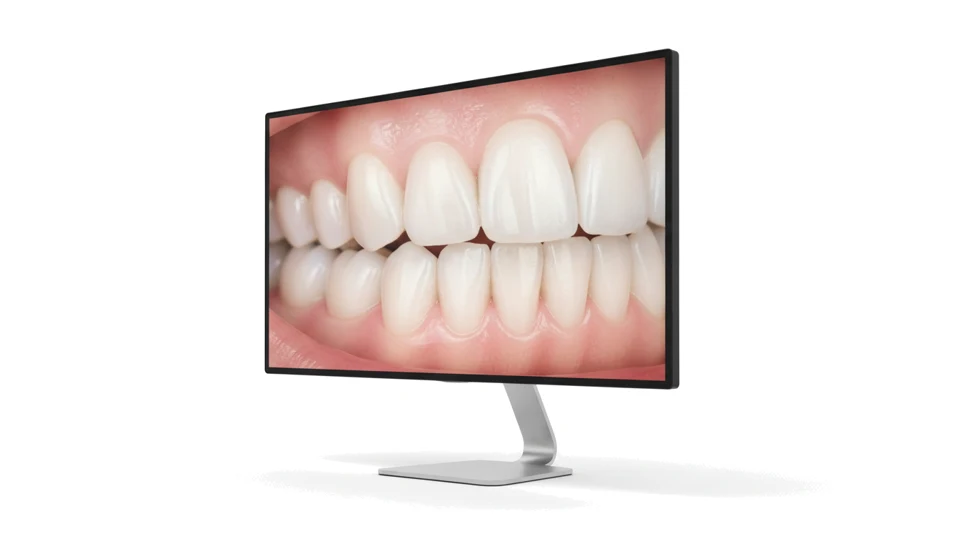
 Your TV
TV.
Your TV or monitor shows the image. That's it.
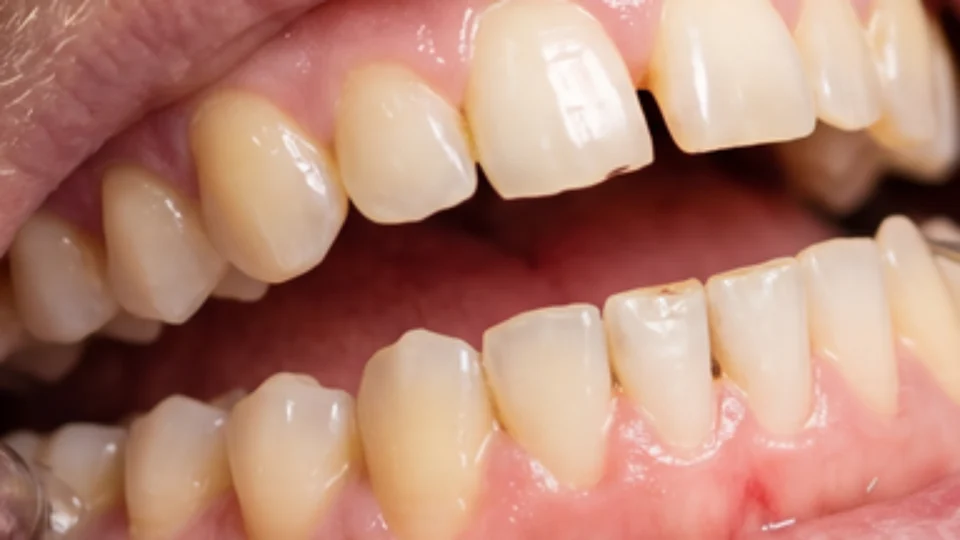
4K
You see the margin of a preparation or a crack in full sharpness.
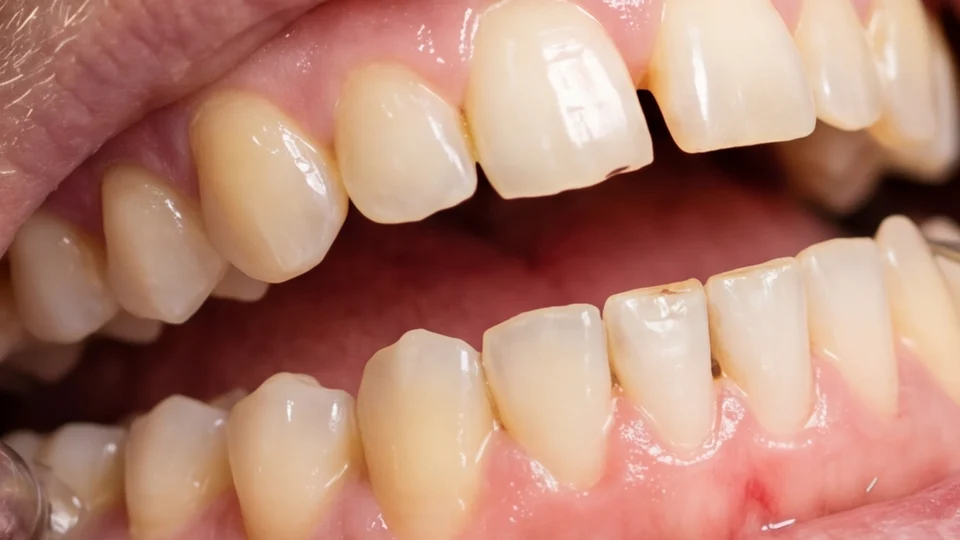
60
At 30, motion stutters; at 60, it flows. You notice it in every hand movement.
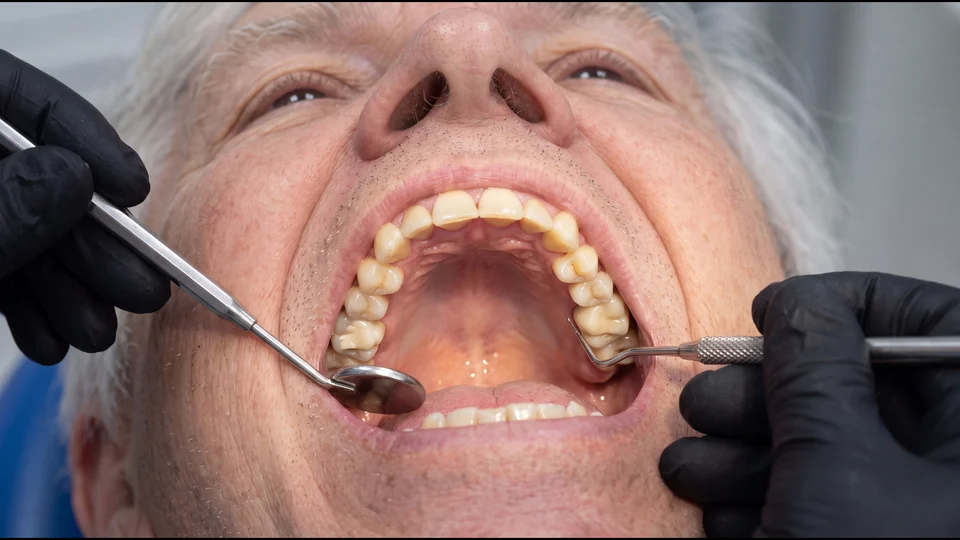
Zoom
The digital zoom brings the area you care about closer in 3 steps, while the camera stays put.
4K video
60 fps
Smooth motion, no stutter.
Digital zoom
3 steps
Bring the detail closer from the remote.
Focus
Auto
On when you need it.
Photo
12 MP
Photos with every detail.
Video modes
3
4K60 · 4K30 · 1080p30
HDMI output
4K30
Straight to the screen in your practice.
Autofocus finds the sharp point for you. Turn it on when you need it, from the remote.
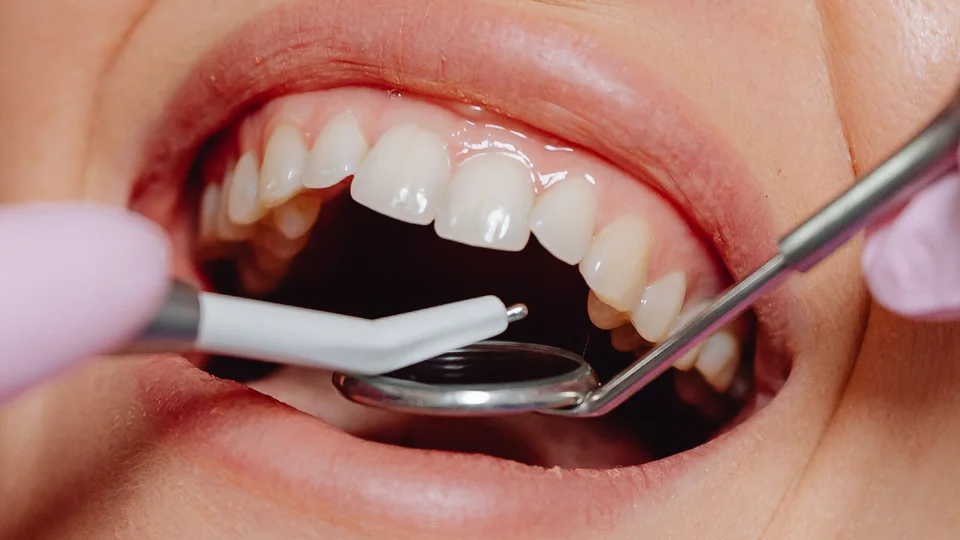
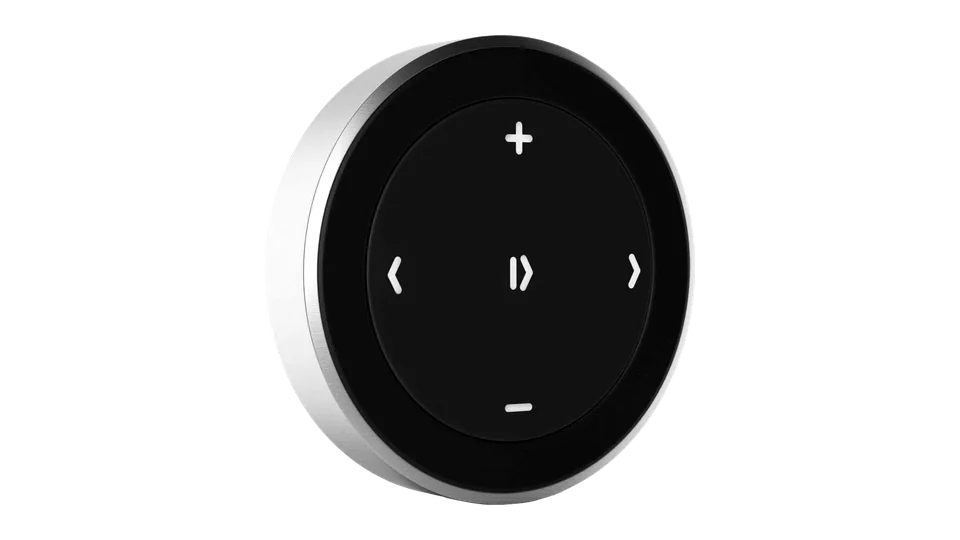
Press the camera button to record and again to stop. And with the remote you control everything without touching it.
Center (OK)
Starts and stops recording.
Press a key, or keep scrolling to see them all.
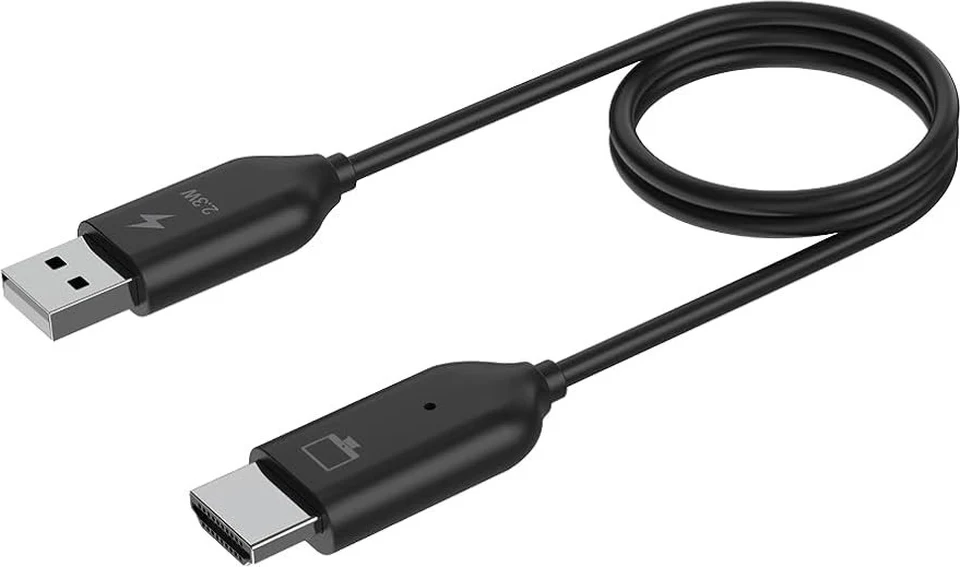
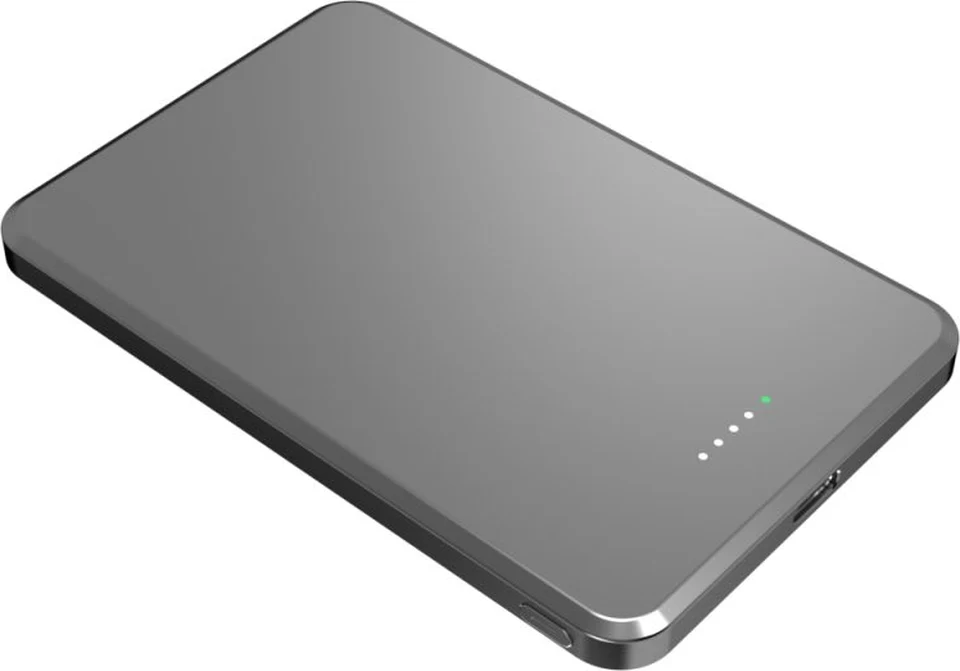
HDMI to your screen, a microSD card and 5 V of power. Tap a point to see it.
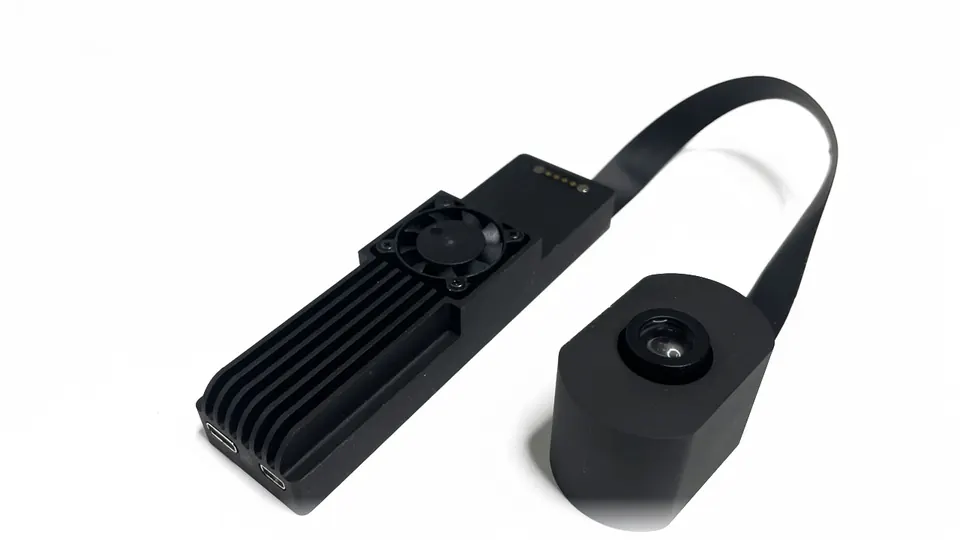
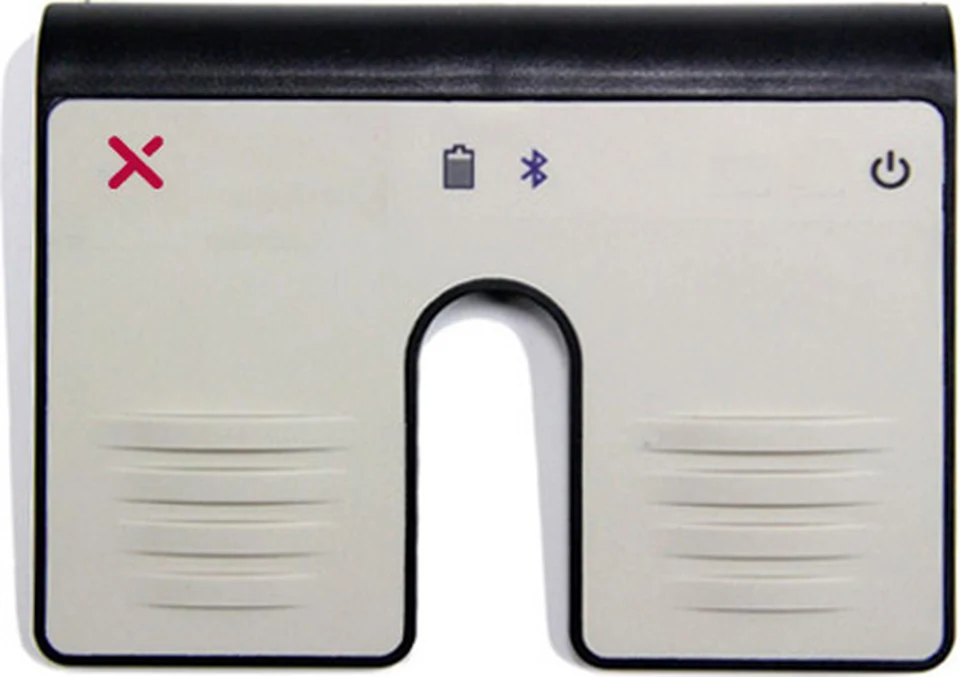
Complete your Lamp your way: remote, pedal, wireless image and power.
1 of 4
Ask for information or a demo at your practice. We'll help you choose the model that best fits the way you work.
We use our own technical cookies so the site works. With your permission we would also use analytics cookies (to understand how the site is used) and marketing cookies (to measure our campaigns). You can accept, reject or choose, and change your mind at any time. Cookie policy.